
Wiki Cluster
Ghoul RE Codes (GHOUL://RE)
Copy-friendly codes table, redeem steps, and a fast “not working” checklist.
Working Codes (Last Seen List)
| Code | Reward | Last seen (UTC) | Status |
|---|---|---|---|
FIXES! | 350 Ghoul Points | 2025-12 | Unverified |
REISBACK! | 500 Ghoul Points | 2025-12 | Unverified |
WARD11! | 500 Ghoul Points | 2025-12 | Unverified |
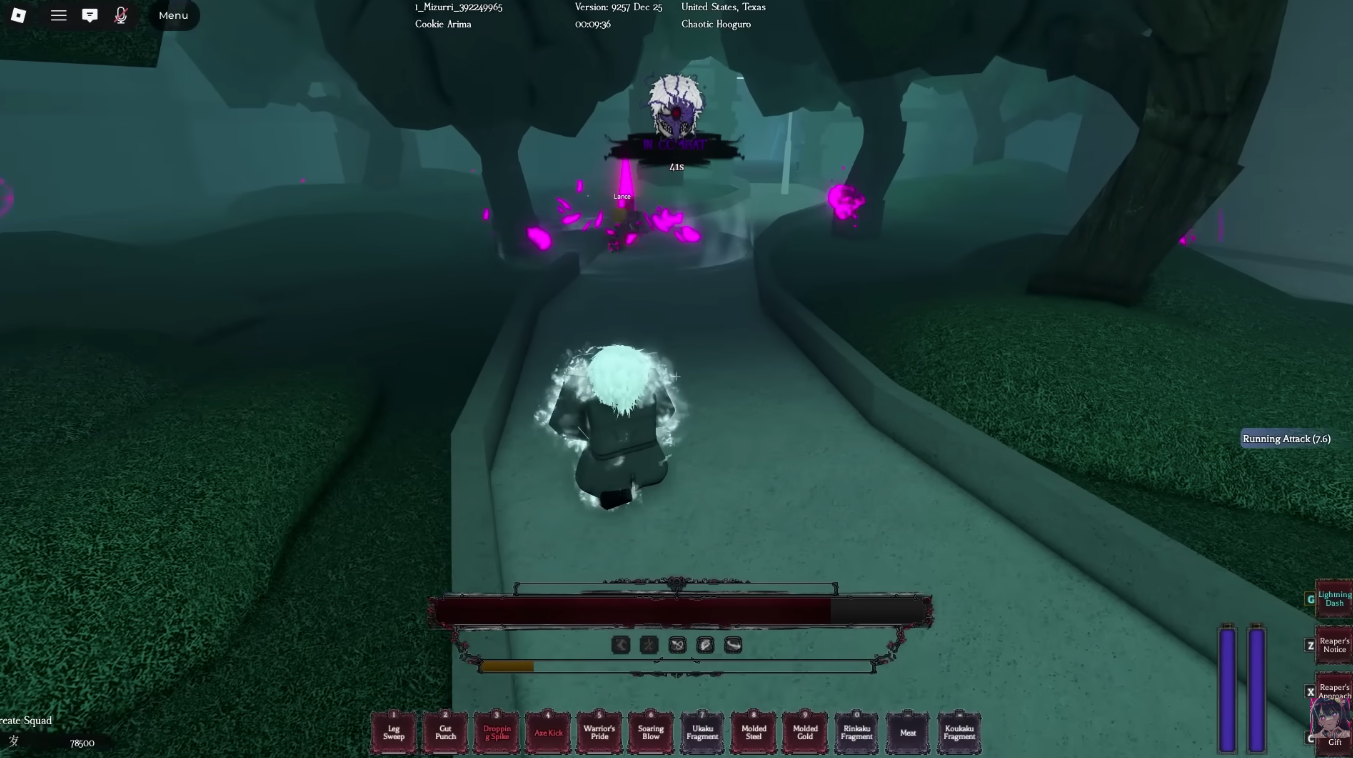
Redeem Codes Inside the Game UI
How to Use This Codes Page
This Ghoul RE codes page is built for two kinds of readers: players who want a clean copy/paste list, and maintainers who want a workflow that stays accurate when codes rotate quickly.
If you are a player, the only thing you need is the table at the top and the copy buttons. If a code fails, use the checklist below before you assume it’s fake. If you are maintaining the page, treat every external list as a lead, not as truth: verify in-game once, then write a timestamp and status note.
Video: Ghoul RE Codes Redeem Walkthrough
Important Notes
Codes can expire quickly. Treat the “Last seen” field as your reliability signal.
Many codes use punctuation like ! — copy/paste is safer than typing.
Discord announcements are usually the fastest place to spot new codes.
Why Codes Expire (And Why Lists Disagree)
Codes pages rot fast because codes are often tied to events: fixes, re-release milestones, shutdown compensation, and quick hotfix drops. A code can be active in the morning and invalid by night if it was time-limited or if it reached a redemption limit.
That’s why you may see one site list a code as active while another moves it to expired. The best practice is verification: redeem inside the game UI, then record the result (worked, already redeemed, invalid, expired).
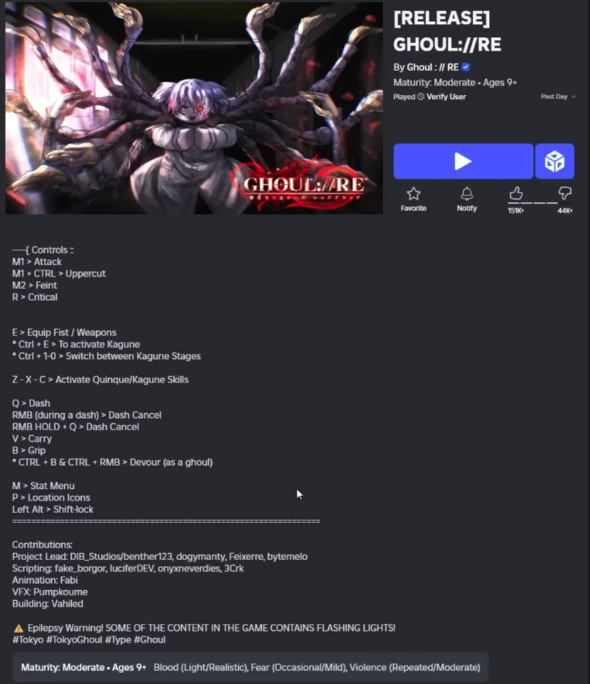
Copy Buttons Prevent the Most Common Mistake
Codes Not Working? Fast Checklist
- ✓Check punctuation: missing ! is the most common error.
- ✓Remove trailing spaces (mobile copy/paste can add them).
- ✓Try a new server after updates (UI/state can desync).
- ✓If a code is old, assume it may be expired even if a site lists it as active.
- ✓If you can’t find the codes UI, check the Trello/Wiki/Discord page for update notes and UI changes.
A Good “Codes Page” Structure (What to Update Over Time)
The most reliable structure is three layers. Layer 1: Working codes (active) — only codes that are currently being reported as working. Layer 2: Recently expired — codes that stopped working recently, kept for history and SEO. Layer 3: Code history — a timeline of notable codes tied to events (shutdowns, fixes, re-release milestones).
This page already uses that mindset. When you confirm a code is dead, don’t delete it. Move it to expired with a date note. That reduces confusion and helps readers who are looking for older codes they saw in videos.
Update Log Template (For Maintainers)
Last checked (UTC): YYYY-MM-DD HH:mm
New codes added: list the newest codes you verified or last-seen.
Codes moved to expired: list any codes that fail consistently.
Notes: UI changes, redeem button moved, patch day server desync, or common player reports.
Where New Ghoul RE Codes Usually Drop First
Most Ghoul RE code drops are shared via official community announcements first (typically Discord). After that, codes get reposted across guide sites. If you want the fastest signal, follow the Discord announcements channel and then use this page as your clean summary.
If you maintain this site, add a timestamp when you verify a code in-game. That single habit makes the page more trustworthy than copy-pasted lists.
What Ghoul Points Are Used For (Why Codes Matter)
Codes often award Ghoul Points. In many guide ecosystems, this currency is used for meaningful actions like shop purchases, progression utilities, or respec-related costs. Even when you don’t know the exact best spend yet, codes are still worth claiming because they give you flexibility to recover from early mistakes.
A simple rule: don’t spend your last reserves impulsively. Keep a buffer so you can pay for a needed reset or a required progression step if you discover you built in the wrong direction.
Related Pages
How to Redeem
- Launch GHOUL://RE in Roblox.
- Open the Codes UI (often shown as a Codes button or a </> icon).
- Paste the code exactly (including !), then confirm/redeem.
- If it fails, try the checklist below and switch servers after updates.
Recently Expired / Code History (Add as Updates Land)
| Code | Notes |
|---|---|
| No entries yet. | |