
Wiki Cluster
Parkour Champions Link Hub
A clean list of key links for Parkour Champions [BETA] by Studio 8K: play link, Discord/community, Studio 8K presence, and reliable reference pages.
Top Links
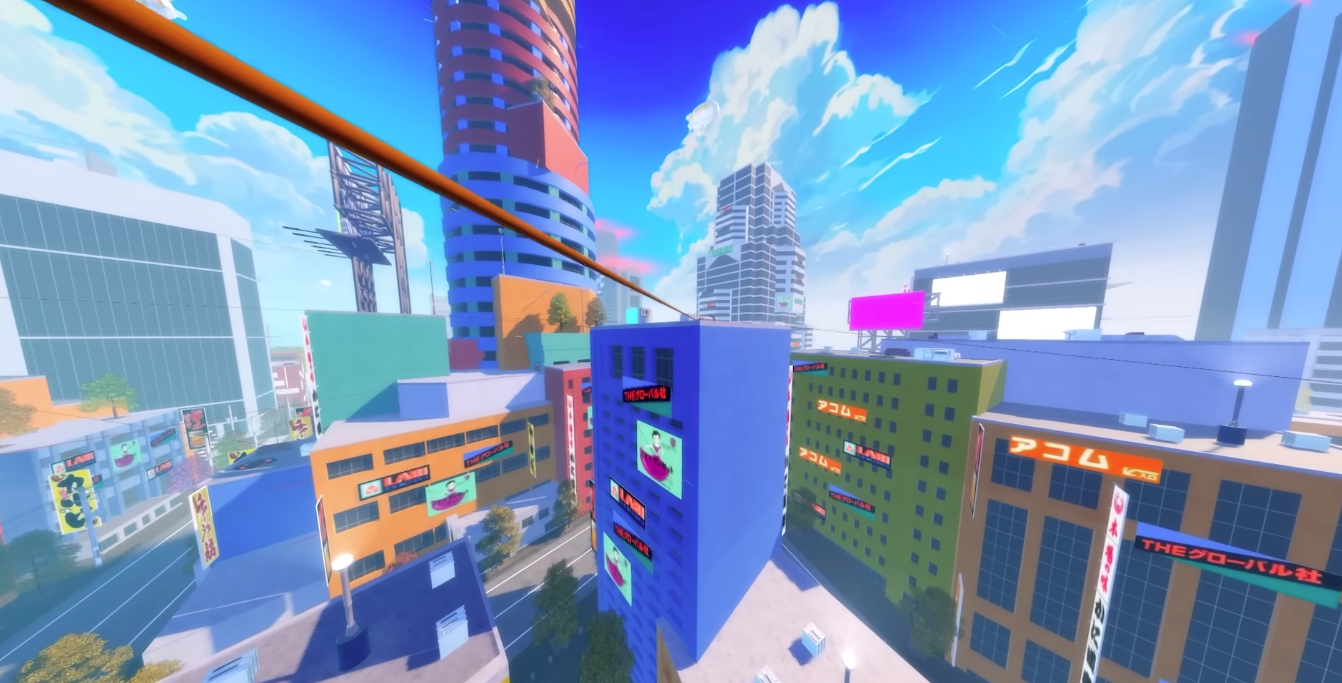
City Map Snapshot (Route Variety)
Safety Note (Avoid Fake Links)
Use official or well-known reference sources. Avoid links that ask you to log in outside Roblox, install software, or complete offers to “unlock” codes.
Roblox has many similarly named parkour experiences—confirm you are using the correct Parkour Champions [BETA] link by Studio 8K.
Why a Link Hub Helps
A link hub solves two problems: speed and safety. Speed matters because codes can expire quickly, and you want a fast path to official/community channels. Safety matters because the Roblox ecosystem includes many copycat pages and low-quality sites that try to monetize traffic.
This page lists the most useful “anchor” links referenced in the research pack: the Roblox experience page, Studio 8K reference pages, a social link that often aggregates community links, a third-party controls wiki, and an update tracker.
If you’re building your own workflow, you can bookmark this page and the Codes & Updates page. That combination is enough to keep you current without wasting time.
What Each Link Is For (So You Click the Right Thing)
Play link (Roblox experience page): this is the safest place to confirm you are in the correct Parkour Champions experience. If you ever suspect your info is mixed with another parkour game, return here first.
Studio 8K reference pages (group/social): use these when you want a reliable identity anchor for the developer. They’re useful for confirming ownership, finding community announcements, and avoiding fake “official” pages.
Controls reference (community wiki): use this for quick keybind tables and terminology. Treat it as a convenience source, not as the final authority, because updates can make tables drift.
Update timeline trackers: use these as context when you see code changes or sudden failures. If players report codes stopped working after a patch window, the timeline helps explain why.
Bookmark Set (Minimum, Recommended, Optional)
Minimum: bookmark the play link and the Codes & Updates page. That alone covers 80% of what most players need: launch the right game, redeem working codes, and stop wasting time on expired lists.
Recommended: add this Link Hub and the “Where to Get New Codes” page. This gives you a safe path to official/community channels without searching and risk-clicking low-quality sites.
Optional: add the controls cheat sheet and systems pages (Champions/Styles/Spins). These are for players who want to improve movement and decision-making, not just chase codes.
Reference / Community Pages
How to Use These Links Efficiently
If your goal is codes: check the Codes & Updates page first, then jump into Discord/official links only if you need brand-new drops. Don’t spend time browsing random sites for codes because most of them simply copy each other and rarely add verification.
If your goal is learning: start with the beginner guide and the controls cheat sheet, then read the systems page (Champions/Styles/Spins). That sequence reduces confusion because you learn what the game expects you to do, then you learn what each term means.
If your goal is staying current: follow official announcements (Discord/Studio channels) and update your last-verified notes when you redeem codes successfully.
Fast Verification Rule (The One That Saves the Most Time)
If you click a link and the page does not clearly help you redeem inside the game, it is not worth your time. The only “true” code verification is whether the code redeems in Parkour Champions itself.
When you discover a code, try it once, then rejoin and try once more. If it still fails, stop. This prevents the endless loop of trying the same expired code across ten different websites.
Use last-verified timestamps (either your own notes or the Codes page table) to keep your workflow clean after updates.
Recommended Workflow (If You Only Want One Routine)
Open the play link to confirm you’re in the correct experience, then open Codes & Updates to redeem working codes. If you need more codes, go to “Where to Get New Codes” and use official/community links from there.
If you want to improve speed, add the controls cheat sheet and the beginner guide to your bookmarks. Those two pages improve your movement skill faster than chasing random meta claims.
This routine is intentionally boring, because boring routines are reliable—and reliability is what keeps you from wasting time on expired lists and risky links.