Wiki Cluster
How to Redeem SAB Codes (Steal A Brainrot)
Official method: portal redemption → then redeem in-game via Shop → Redeem Codes. Includes troubleshooting and safety.
Before You Start
Most SAB codes in the official Roblox game are DLC codes (often delivered by email after an official purchase). Not every player will have a code.
If you are following a random “SAB codes free” list, stop and verify whether it is for the official game or a modded copy.
Redeem UI Location (Shop → Bottom)
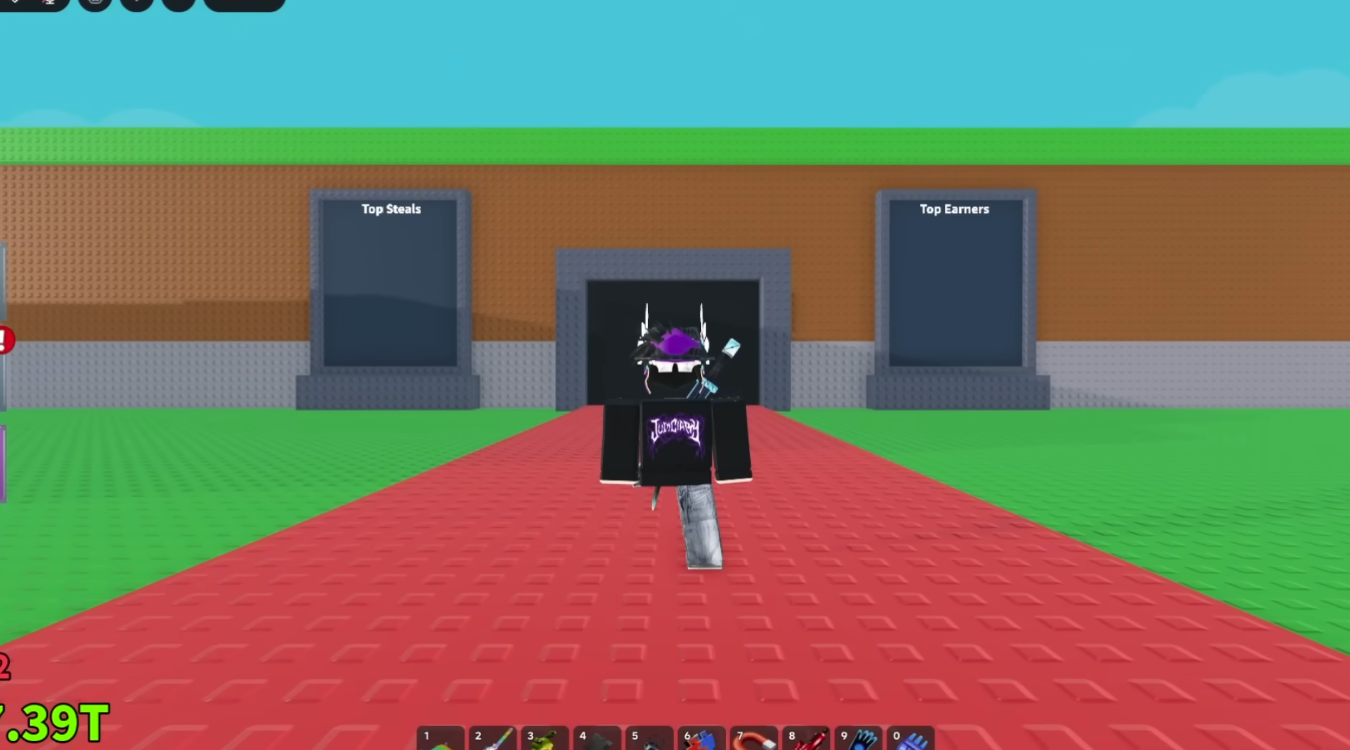
Video: Redeeming SAB Codes Step-by-Step
How to Redeem SAB Codes (Official Method)
- Get your DLC code from the official source (usually an email linked to a purchase).
- Redeem the code in the official SAB DLC web portal (follow the official instructions provided with your purchase).
- Important: after portal redemption, join the game within the required window (commonly described as within 24 hours).
- Open the in-game Shop menu.
- Scroll to the bottom and find the “Redeem Codes” section, paste your code, and submit.
Why Portal First (Then In-Game) Matters
The most common reason SAB codes are “not working” is that players skip the portal step or they redeem in the wrong order. If the game’s system expects portal validation first, typing a code directly into the in-game box may do nothing or show invalid.
Another common issue is timing. Some guides describe a window after portal redemption where you must join the game (often referenced as 24 hours). If you miss the window, you may need to re-enter the redemption flow.
Can’t Find “Redeem Codes”?
Check that you are in the official Steal A Brainrot Roblox experience, not a modded/copy experience with a different UI.
Try rejoining after updates; UI placement can change and some servers may lag behind after patches.
Open Shop and scroll all the way down; the redeem box is often placed at the bottom.
Safety (Anti-Scam Template)
The official path is: purchase/email → official portal → in-game Shop redemption. That’s it. SAB codes do not require downloads, extensions, or signing in outside Roblox.
If a page claims it can “generate SAB codes” or asks for “verification”, it is not part of the official workflow. Use official sources and trusted pages only.