
Wiki Cluster
Modded SAB Codes (x100000m) — Explained
A clear separation: universal codes in modded copies vs verified DLC codes in the official Roblox experience.
The One-Line Explanation
If a long list of universal SAB codes works for you, you are probably in a modded/copy experience, not the official Steal A Brainrot Roblox game.
Modded vs Official (Don’t Mix Them)
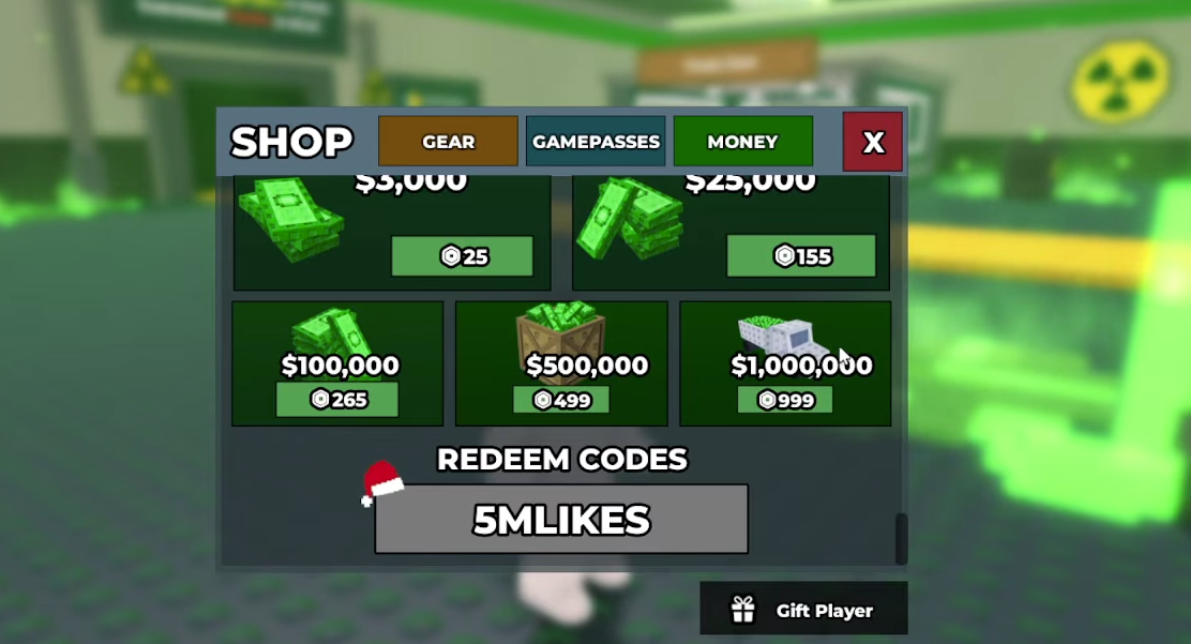
Why Modded SAB Codes Exist
In many Roblox ecosystems, popular games get copied or modified. Those modded experiences often add a universal codes system because it increases engagement: players get instant rewards, creators get more playtime, and the code list is easy to share.
That leads to code strings that look believable (ENJOY, SECRET, MODDED, and similar). But those strings are not official SAB codes for the original game; they are codes for the modded experience’s own reward system.
Why Modded Codes Don’t Work in the Official Game
The official Steal A Brainrot code system is widely described as DLC-oriented: the redeem box exists mainly to validate verified purchases via an official portal and in-game redemption. That is a completely different system than “type a universal string and receive coins instantly.”
So when you paste a modded code into the official redeem box, the official game has no reason to accept it. The code was never created for the official database, so it fails as invalid.
Safety Notes (Important)
Do not download anything to “get SAB codes”. Codes are redeemed inside Roblox (and, for DLC, in the official portal).
Avoid external login prompts or “verification” tasks. Those are not required for official redemption.
How to Confirm You’re in the Official Experience
If you are unsure whether you are in the official game, use a simple checklist. Open the Roblox game page from trusted sources, confirm the experience name, and compare the UI with official guides. If a modded experience advertises “x100000m” or extreme multipliers, it is likely not the official experience.
If your goal is official DLC redemption (like Festive 67), always follow the official workflow: email/purchase instructions → official portal → in-game Shop redemption.