
Wiki Cluster
Universal Tower Defense (UTD) Guide — Start Here (2026)
A pillar-style overview page: quick start, where to find codes, how to read the tier list/meta, and where to follow updates.
Universal Tower Defense (Roblox) — In-Game Snapshot
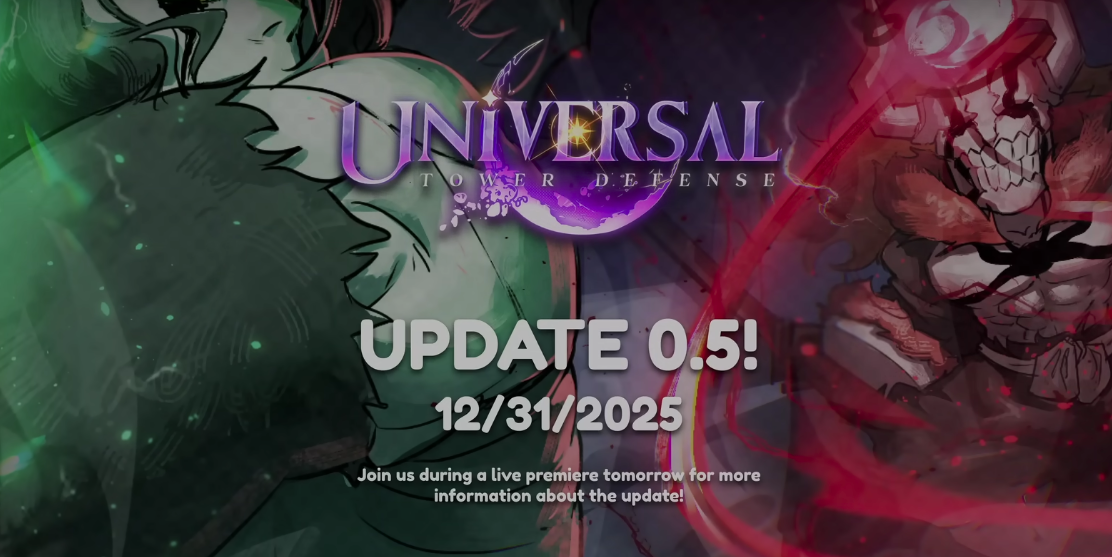
Video: Universal Tower Defense Beginner Overview
Fast Links (Most Searched)
UTD codes: copy buttons + redeem steps + “not working” fixes.
UTD tier list/meta: roles (farm/support/air/hybrid) + upgrade priorities.
UTD wiki/Discord/Trello: where to find reliable info and whether a Trello exists.
Jump to the Right Page
What Is Universal Tower Defense (UTD)?
Universal Tower Defense (UTD) is a Roblox tower defense experience where your core decisions are team composition and upgrade timing. Each run is a loop of placing units, managing economy, reacting to wave pressure, and choosing upgrades that match the map and enemy patterns.
Players typically search “universal tower defense” for one of three reasons: they want codes for fast progression, they want a tier list to avoid wasting resources, or they want official links (wiki/Discord) to keep up with updates. This cluster is built around those exact intents.
What “UTD” Usually Means (And Why Search Results Can Mislead)
UTD is commonly used as shorthand for Universal Tower Defense, but search results can also include similarly named experiences and keyword-rearranged phrases like “tower defense universal” or “anime universal tower defense.” The fastest way to get stuck is to copy a code from the wrong game and then assume codes are broken.
This cluster is written for Universal Tower Defense (UTD). If a guide you found looks like a different UI, uses different currency names, or has a completely different unit roster, treat it as a different game. Use the resources page to find reliable links and verify you are in the correct Roblox experience before you redeem or reroll anything.
Quick Start (Beginner Priorities)
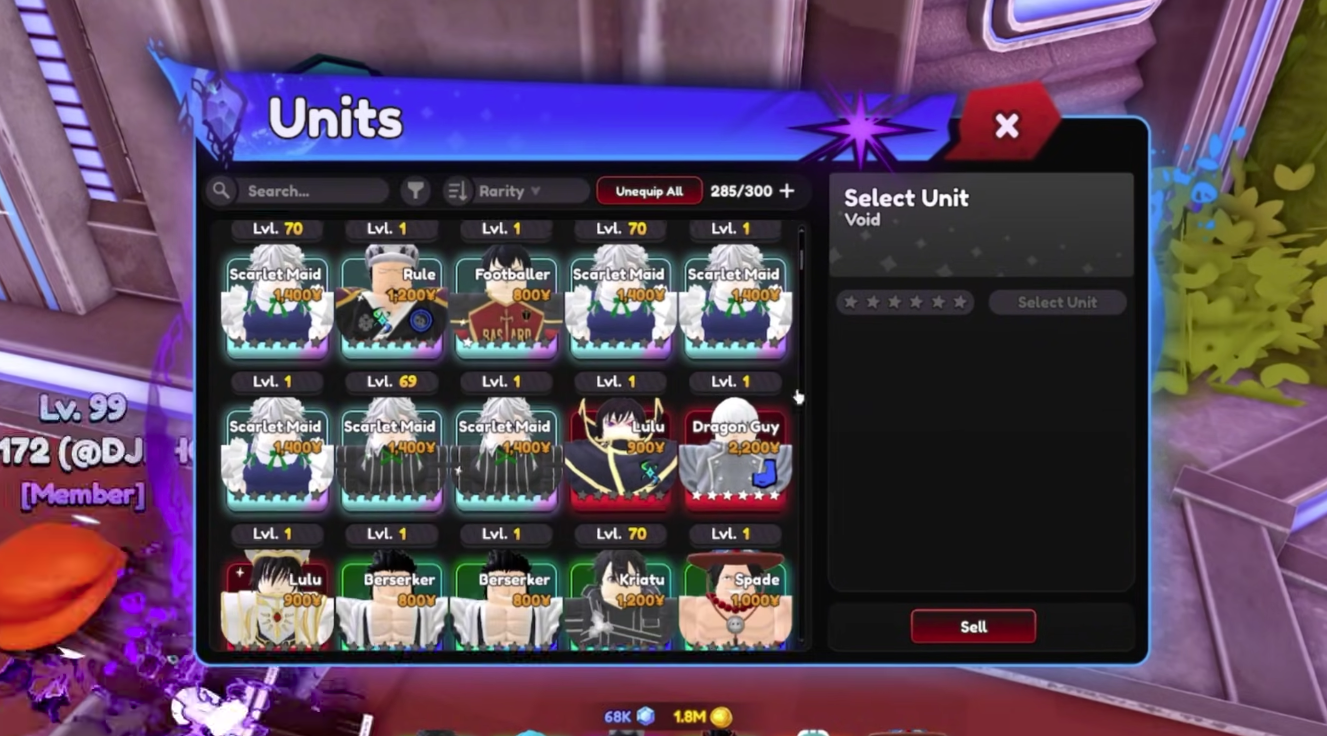
If you are new, don’t try to build the perfect team on day one. Instead, aim for a stable baseline: (1) one economy/farm unit so you can scale, (2) one reliable ground damage unit, (3) one anti-air option (or a hybrid unit that can cover air), and (4) one support/control slot if you have it.
Your first upgrades should usually improve consistency, not maximum damage. A small damage boost that you can afford every run beats a costly upgrade you rarely reach. Once you can clear early/mid waves reliably, then you can chase high-ceiling strategies from the meta page.
The Most Common Beginner Mistakes (And the Fix)
In Universal Tower Defense, most early losses come from a predictable pattern: spending too much on shiny DPS units while ignoring economy, then falling behind on upgrades and leaking mid waves. The fix is not a new unit; it is a spending order. Get your farm/economy online early enough that you can still afford a reliable defender and keep upgrading.
Another common mistake is overreacting to a tier list. Tier lists are not wrong, but they are incomplete without context. A unit that is S-tier in a late-game boss scenario might be a trap for a new player if it requires expensive setup or specific support. If you are learning, pick A-tier “workhorse” options first, then add S-tier pieces once your economy and upgrade timing are stable.
Use a Role-Based Team Plan
How to Use This Cluster (The 10-Minute Workflow)
If you only have 10 minutes, use this workflow. Step 1: open the Codes page, copy any code you haven’t redeemed, and claim rewards. Step 2: open the Tier List & Meta page and decide your next role upgrade (for example, “I need better air coverage” or “I need stronger economy”). Step 3: spend rerolls/trait items only when you have a clear target role to improve.
This workflow keeps you from the most common time sink in UTD: rerolling randomly without a plan. Codes and rerolls are powerful because they compress the grind, but they also amplify mistakes if you spend them impulsively.
Codes → Plan → Spend (A Safe Progression Loop)
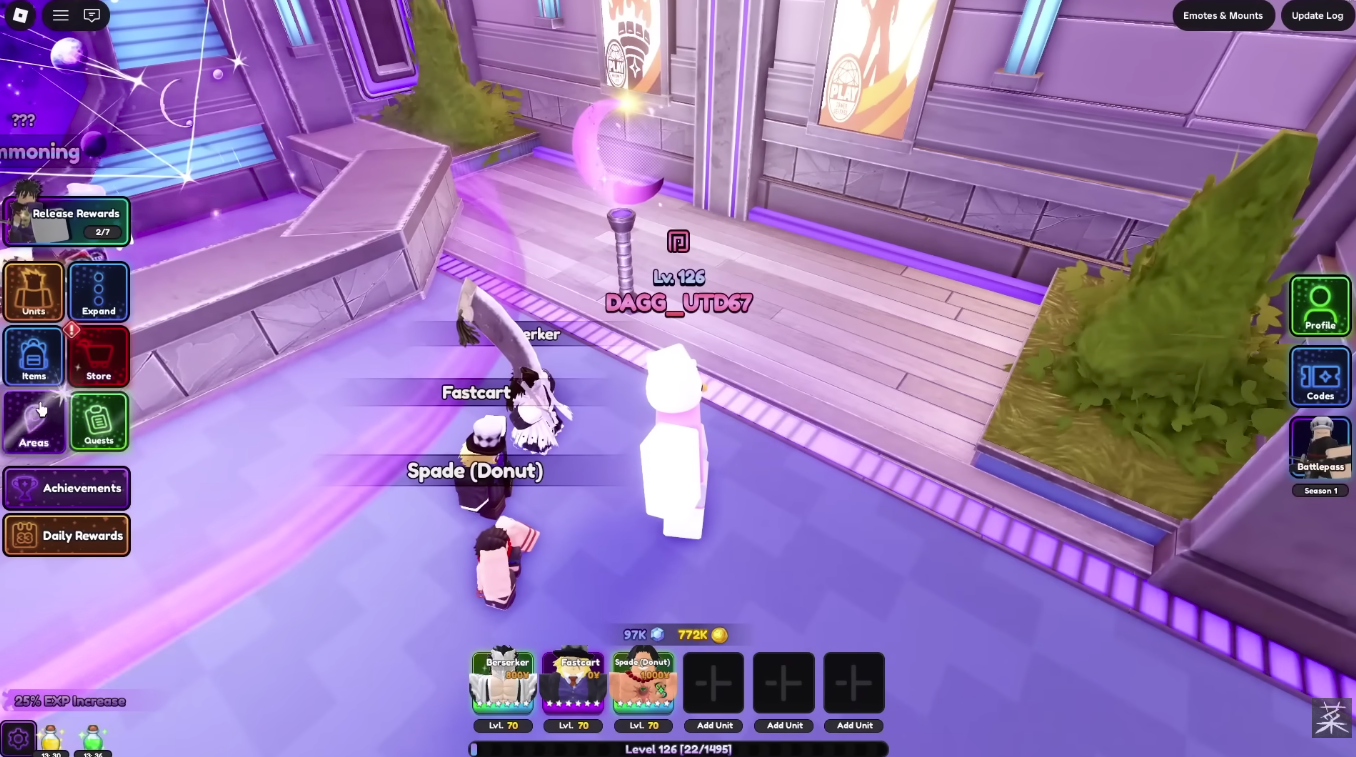
Where Codes Fit In (And Why They’re the Fastest Start)
Universal Tower Defense codes are usually the highest-leverage action for a new account because they directly grant the currencies and items that unlock choice: gems, rerolls, and trait-related items. The difference between “I can only play what I pulled” and “I can build a role-based team” is usually just a handful of redeemable rewards.
On the Codes page, this site keeps a copy-friendly table so you can paste exact casing and punctuation. If a code fails, the troubleshooting section covers the usual causes: expiration, mismatched casing, trailing spaces, and server desync after updates.
How to Read a Tier List Without Getting Trapped
Treat tiers as role rankings, not absolute rankings. The best air unit is not competing with the best farm unit; they solve different problems. The Tier List & Meta page in this cluster is structured around that idea so you can decide based on needs: economy, wave clear, air coverage, and support/control.
If you are unsure what to chase, prioritize consistency: an A-tier unit you can upgrade every run is worth more than an S-tier unit you rarely reach. After you have one stable team, then you can invest in high-ceiling meta pieces and trait optimization.
Avoid Confusion: “Anime Universal Tower Defense” vs UTD
Some searches mix UTD with similarly named games (for example, “anime universal tower defense” or “tower defense universal”). That matters most on codes pages, because copying codes from the wrong game is the fastest way to get “code invalid” errors.
This cluster is specifically for Universal Tower Defense (UTD). If you suspect you’re in a different experience, use the Roblox game page link from the resources section and compare the experience name before redeeming anything.
How to Stay Updated in 2026 (Simple Routine)
You don’t need to refresh a codes page every hour. A simple routine is enough: check codes around major updates, holidays, and milestone announcements (likes/visits). If a code was posted recently, redeem it quickly because many codes expire fast.
For gameplay changes, Discord announcements are usually faster than wiki edits. Use the resources page to find the right channels, then use the tier list/meta framework here to translate patch notes into decisions (what role got stronger, what upgrade order changed, and what unit is now more consistent).
How to Use This Cluster Efficiently
Start with Codes if you want fast progression (gems, rerolls, trait rerolls).
Use Tier List & Meta to decide what to build and what to upgrade first (so you don’t waste resources).
Use Wiki/Discord resources when patch notes land or when a code stops working.